
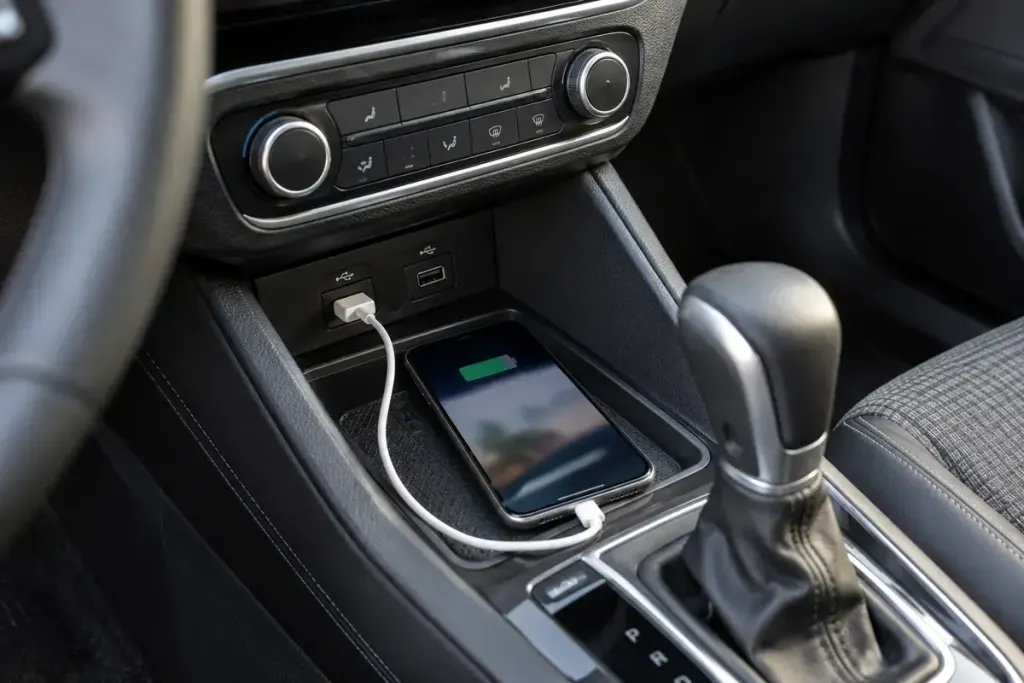
Your phone begins charging as soon as you connect it, but the car screen does not show navigation. Power reaching the phone proves that one part of the connection works. It does not prove that the port, cable and vehicle support phone projection together.
Start with the handbook for the exact vehicle and infotainment system. Similar-looking USB ports can have different purposes. A rear-seat charging socket may not provide the same connection as the port intended for the main display.
Check compatibility before changing settings
Google’s Android Auto setup instructions require a compatible phone and car, and explain wired and wireless setup separately. Wireless support should not be inferred from a working wired connection, or vice versa.
Park safely before troubleshooting. Identify the designated port, use a suitable data-capable cable and follow the vehicle and phone prompts. A cable that charges another device is not a complete test of its data connection.
Change one component at a time. If you replace the cable and switch ports together, a successful connection will not tell you which change mattered. Record what you tested, especially when asking a dealer or support service for help.
Describe the failure precisely
Useful observations include whether the phone charges, whether the car detects any device, whether a permission prompt appears and whether the connection drops after movement. Include the vehicle’s system version and phone model when available, without sharing account credentials.
Do not insert tools into the port or keep using a visibly damaged cable. If the connector is loose, hot or physically damaged, have it checked rather than trying to hold it in a particular position while driving.
Once setup works, arrange the cable so it does not interfere with controls. Test the functions you need before moving off. The goal is a dependable connection that supports the drive; repeated experimentation belongs in a parked car.